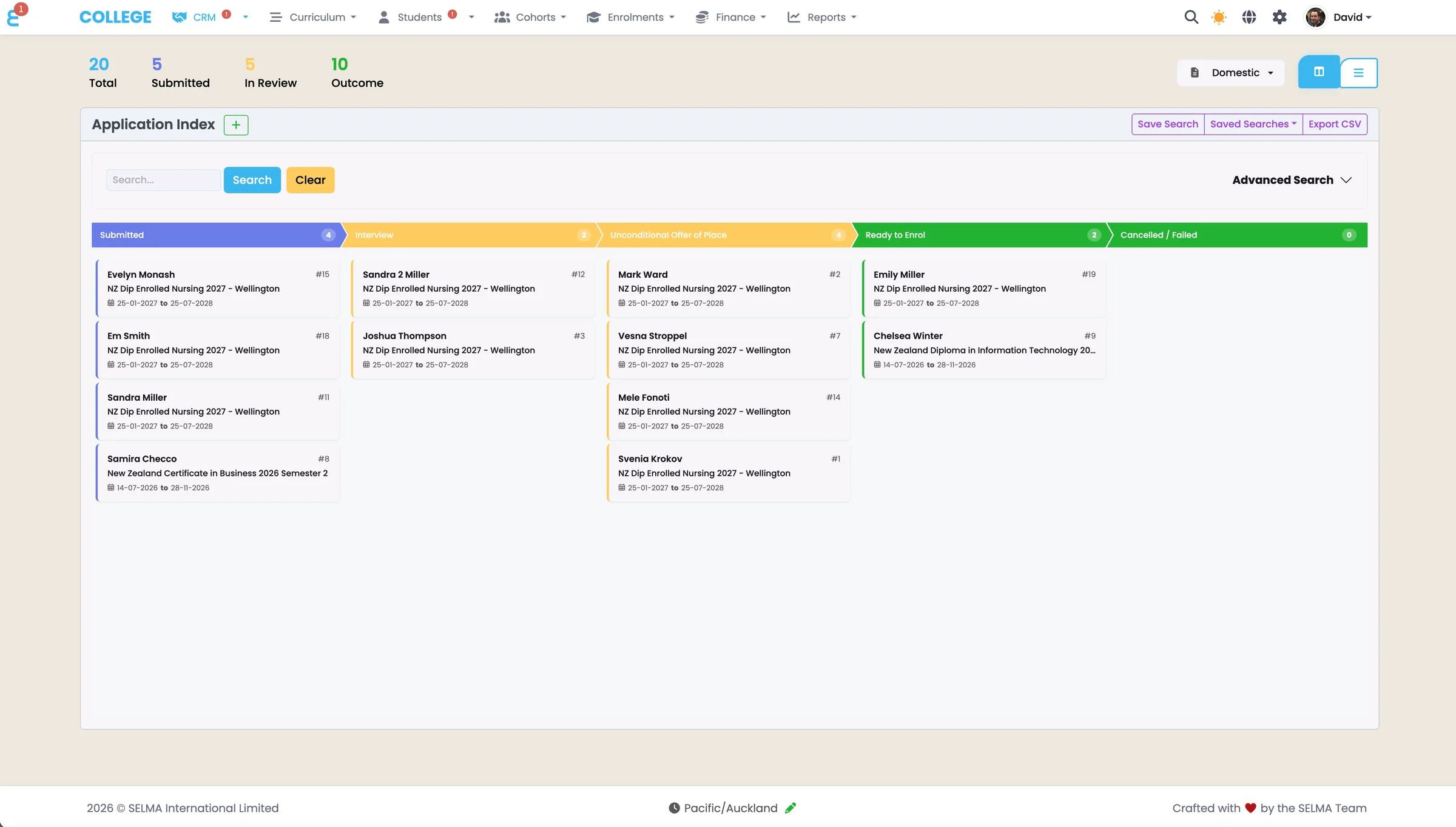
Customisable Student Management System for Schools and Education Providers
Configure SELMA around your institution’s needs
SELMA lets teams adapt fields, permissions, views and portals without changing the core system, so each process stays structured and easy to manage.

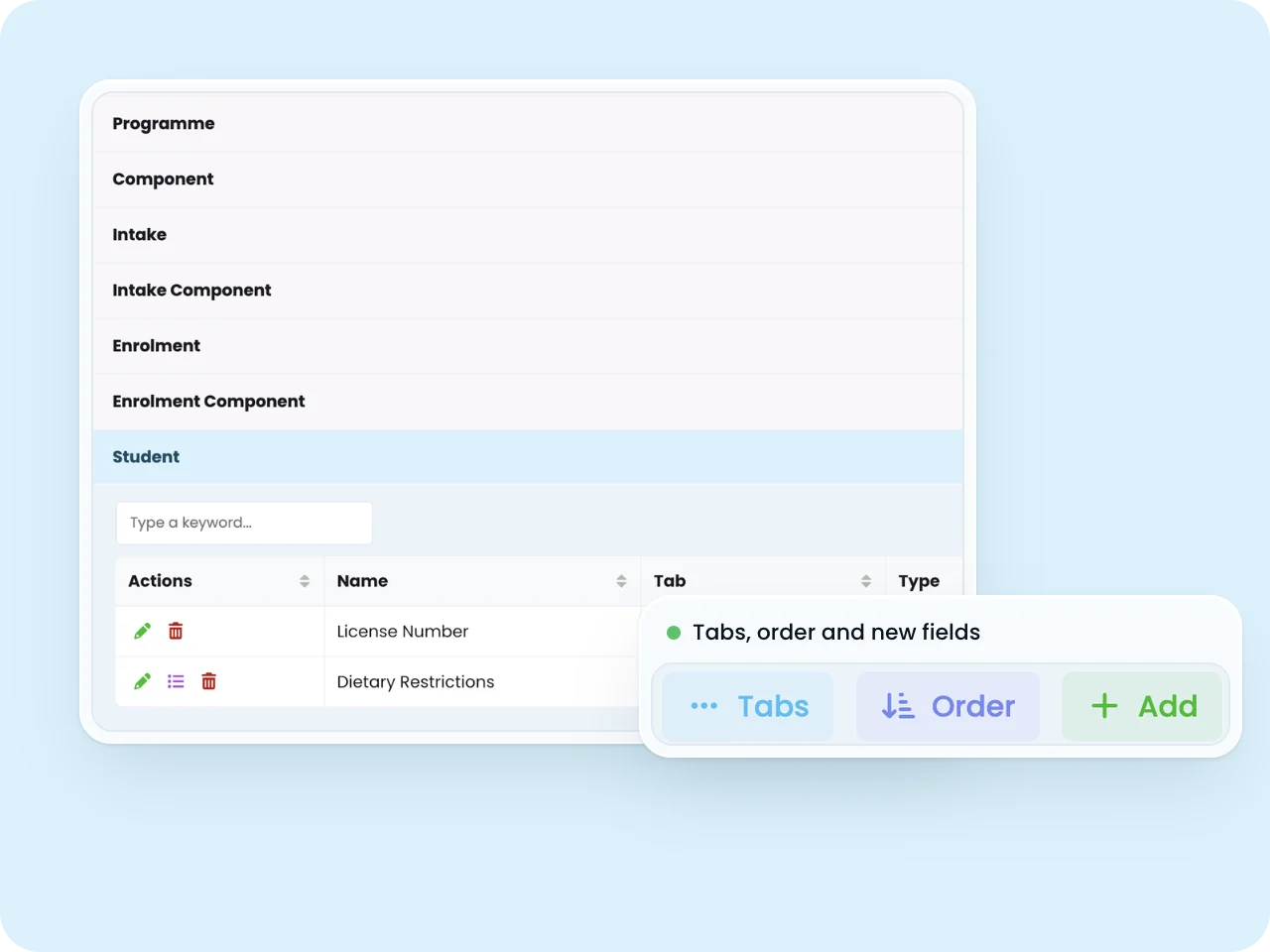
Custom Fields & Tabs
Extend data capture beyond standard fields by creating unlimited custom fields tailored to institutional requirements without modifying core system structure ensuring upgrade compatibility. Add text fields, dropdowns, checkboxes, date pickers, and numeric fields to student records, courses, enrolments, or any system object.
- Organise custom fields into logical tabs maintaining user interface clarity
- Custom fields integrate throughout the system appearing in reports, searches, and communication templates
- Integrate your custom fields into enquiry and application forms to capture specific information from your students
Capture exactly the data your institution needs without limiting standard functionality or upgrade paths.
Screen Customisation
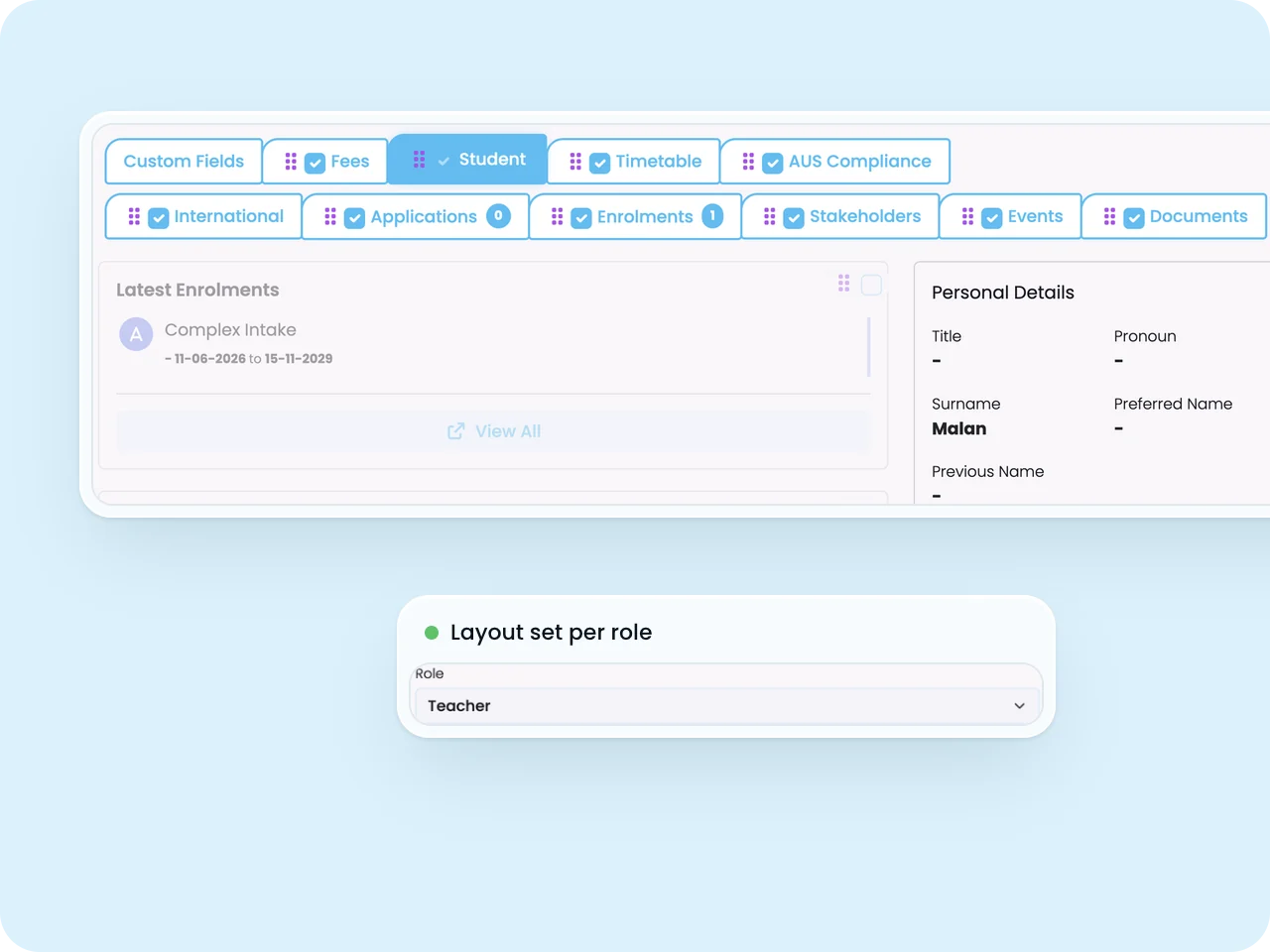
Tailor user experience by configuring table columns, default filters, and saved search views optimising daily workflows for different user roles and institutional processes. Define which columns appear in student lists, enrolment tables, or financial records with drag-and-drop reordering.
- Save frequently-used filter combinations as named views enabling one-click access
- Default sort orders and page sizes optimise navigation efficiency for common tasks
- User-specific customisations support personalised workflows whilst shared views standardise team processes
Optimise system navigation for how your team actually works, not how software designers assumed you would.
Role Based Access
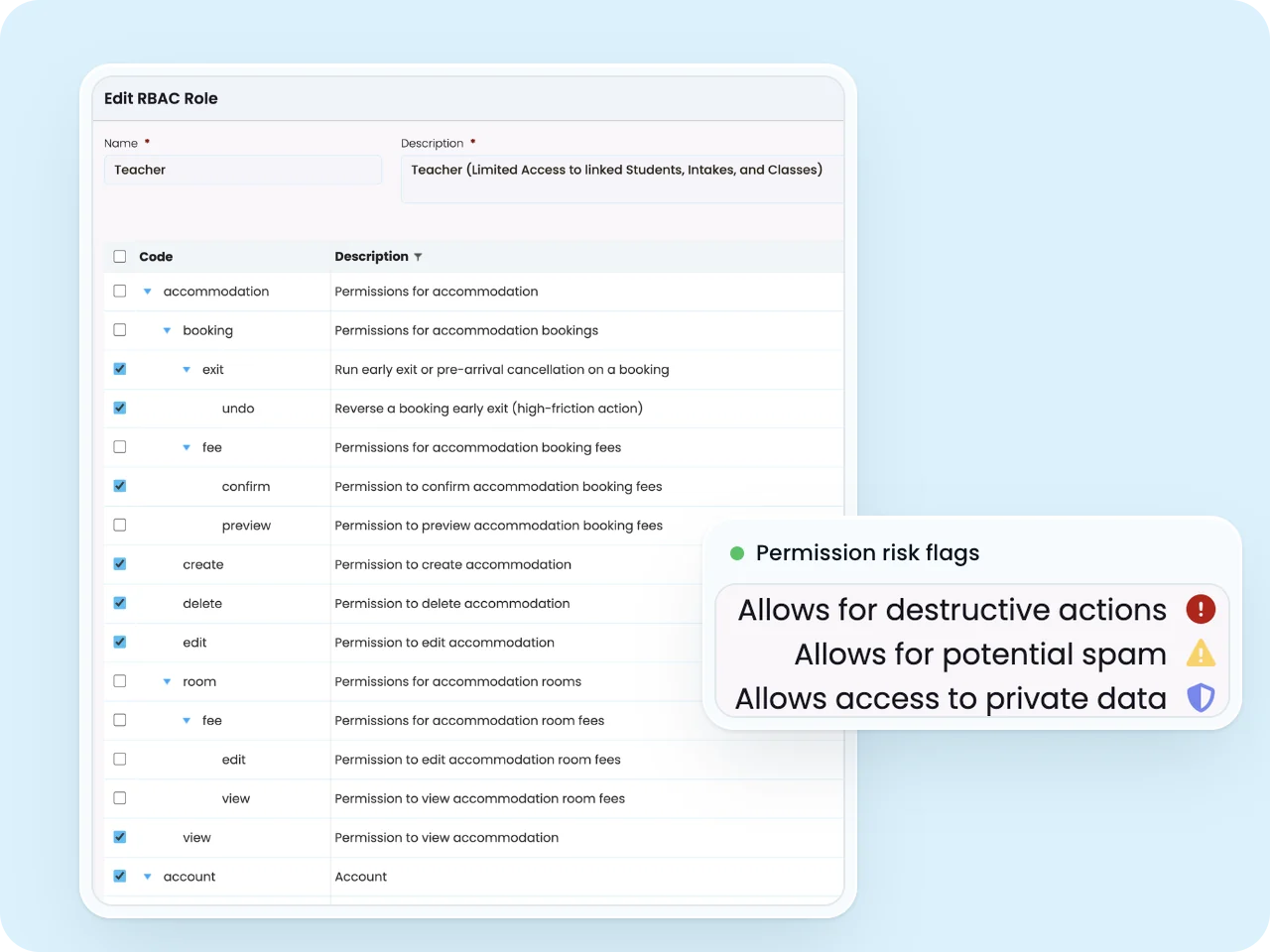
Implement sophisticated permission management with hundreds of granular permissions controlling access to specific functions and data visibility ensuring users access only information necessary for their roles. Define custom roles combining precise permission sets matching institutional organisational structures.
- Assign multiple roles to users with permissions combining appropriately for hybrid positions
- Data-level security restricts record visibility by campus, programme, or department
- Temporary permission grants support project-based access with comprehensive audit logging
Protect sensitive data whilst maintaining operational efficiency through precise permission management.
Portals & Form Customisation
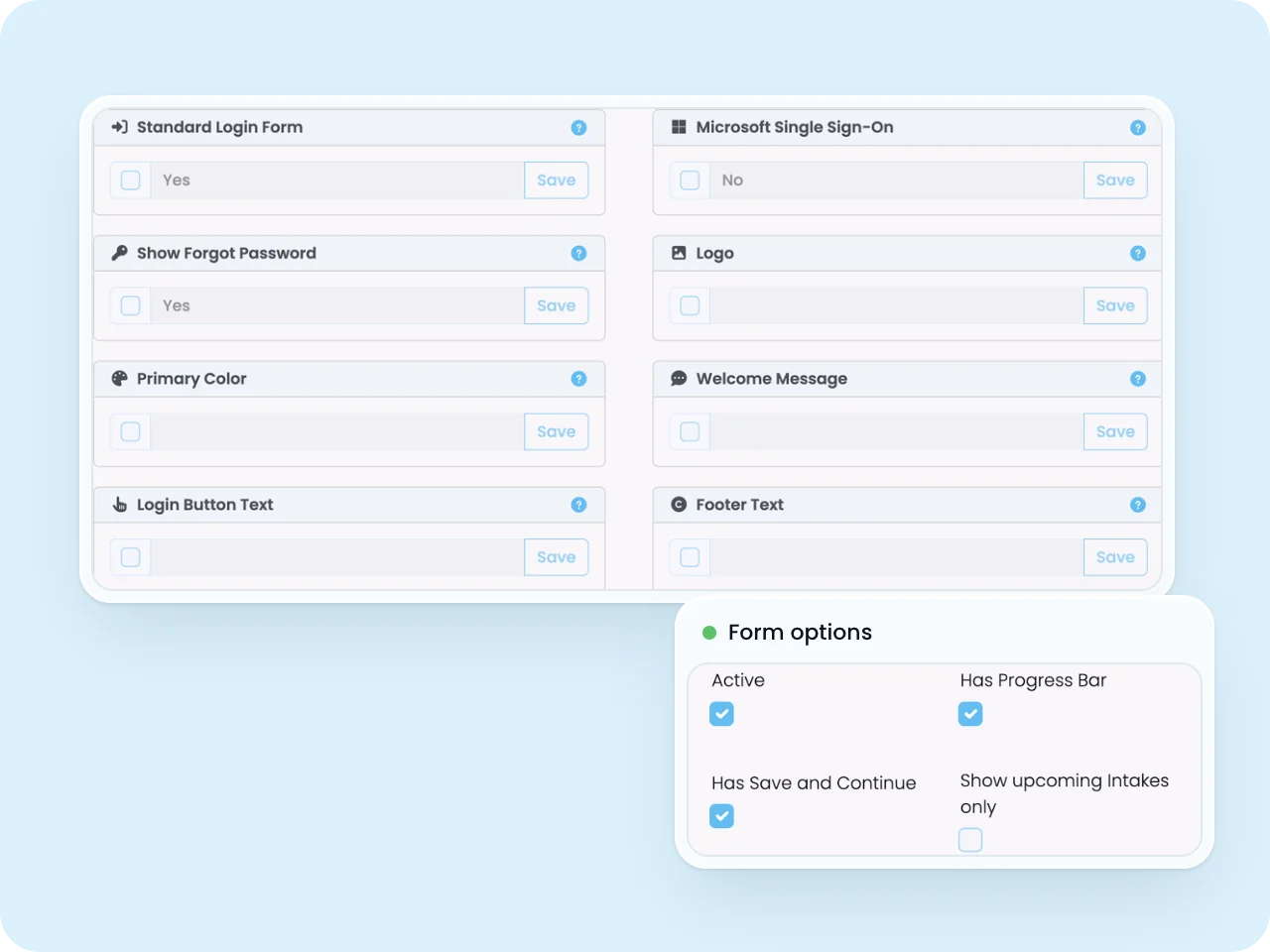
Design branded application, enrolment, and enquiry forms with drag-and-drop form builders defining fields, validation rules, conditional logic, and visual styling creating tailored user experiences without coding expertise. Configure form fields including layout, labels, help text, and required versus optional designation.
- Implement conditional visibility showing fields based on previous responses creating dynamic forms
- Style forms matching institutional branding with logo placement, colour schemes, and typography
- Multi-page forms with progress indicators guide applicants through complex processes
Create professional, branded forms that match your institutional identity without requiring technical resources.
Run a compliant, scalable education operation on one professional platform.
See how SELMA handles enrolment, compliance and delivery in a 30-minute walkthrough.