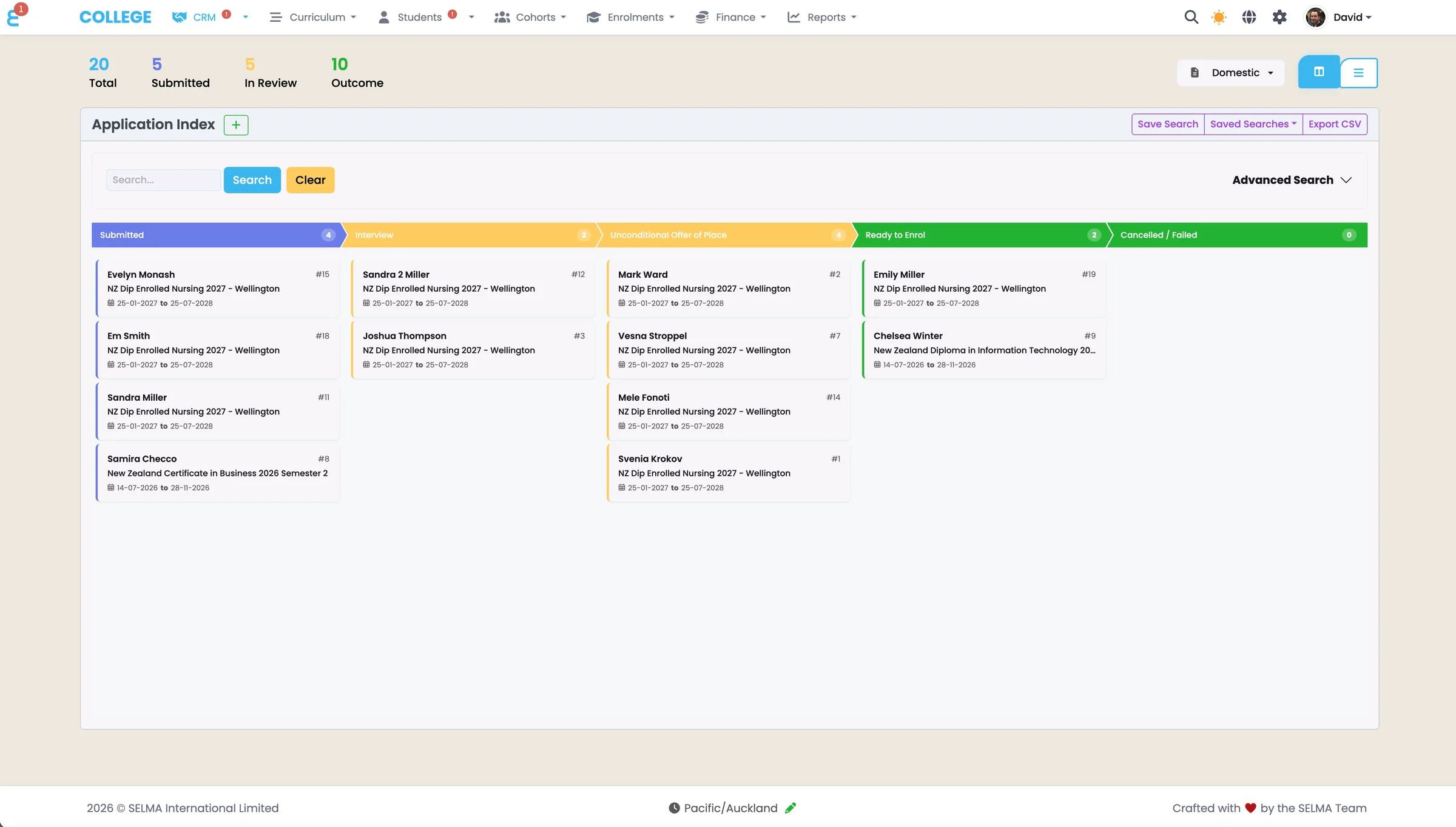
Reporting and Analytics for New Zealand Training and Education Providers
Reporting without the technical bottleneck
Build custom reports and dashboards without SQL or developer support, with filters, charts, scheduled delivery and exports for compliance or analysis.
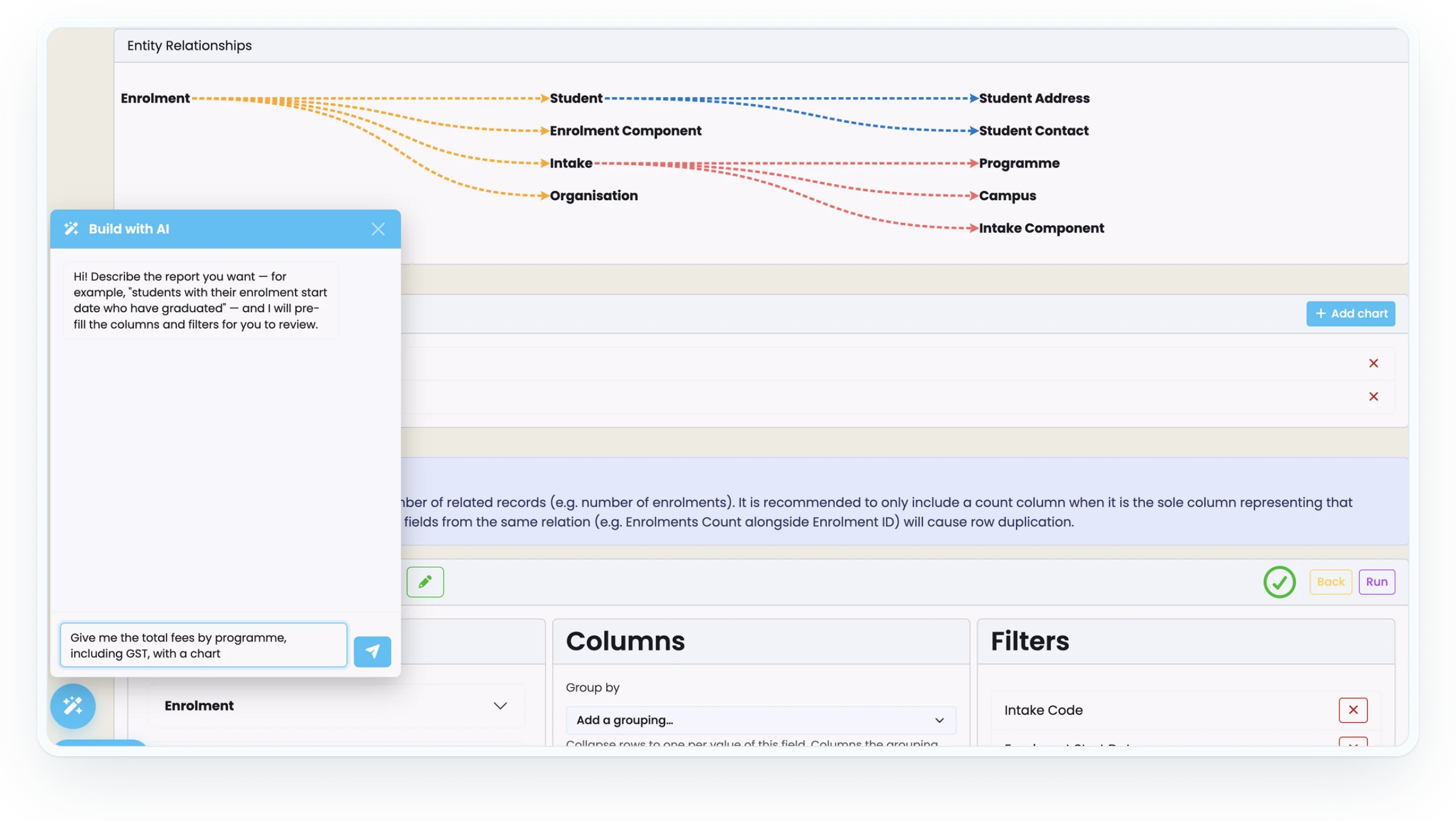
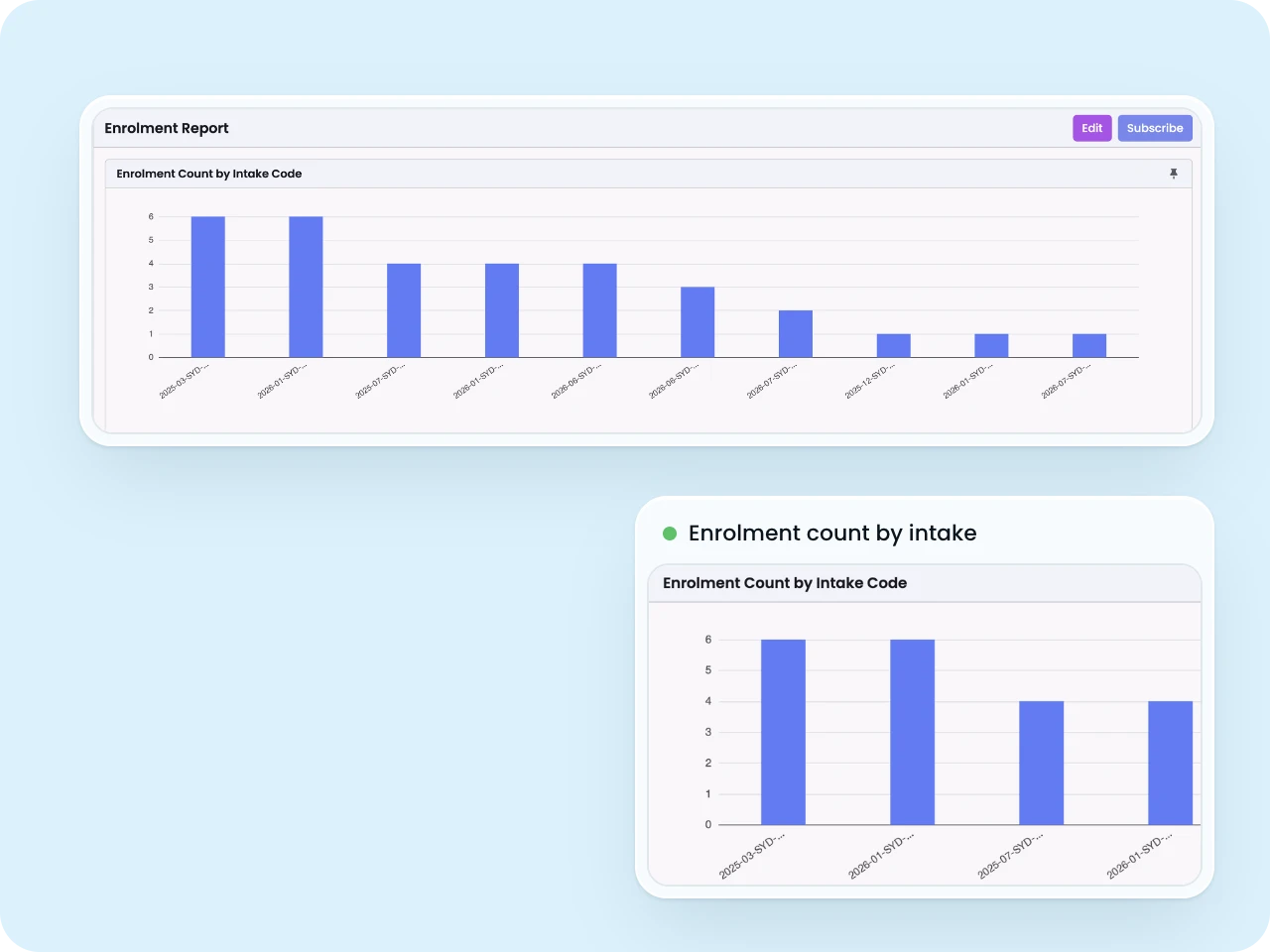
Report Builder
Intuitive drag-and-drop report builder enabling non-technical staff to create custom reports and dashboards from system data without SQL knowledge or developer intervention. Select data sources spanning student records, financial transactions, attendance, grades, and custom fields with visual interface for defining filters and groupings.
- Format reports with tables, charts, and summary statistics with export to Excel, PDF, or CSV
- Schedule automated report generation and distribution ensuring stakeholders receive timely information
- Saved reports become reusable templates shareable across teams with parameter prompts
Create the reports you need without waiting for technical resources or external consultants.
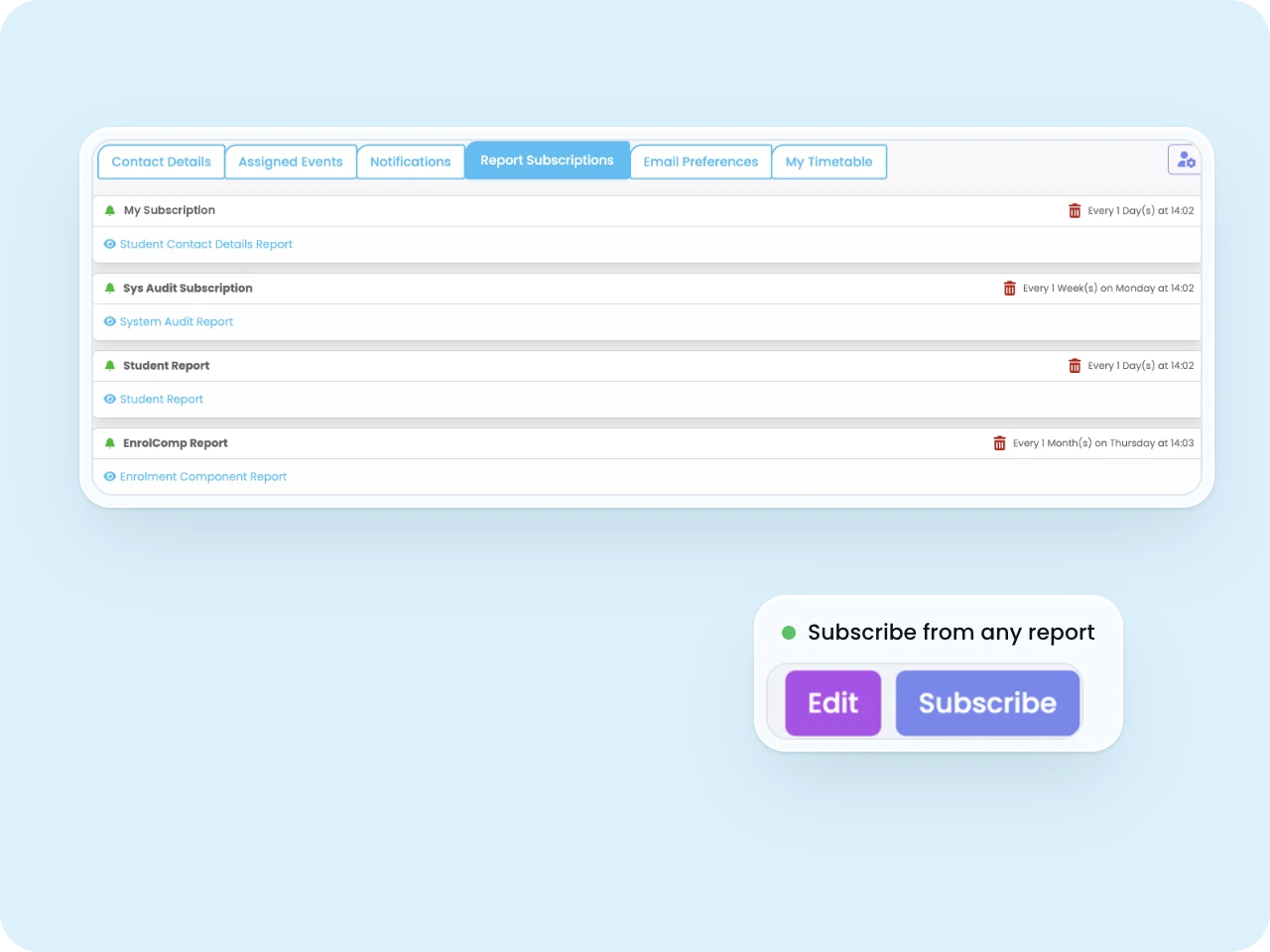
Report Subscriptions
Automate report delivery through scheduled subscriptions distributing reports via email or pushing data to cloud storage and data warehouses eliminating manual report generation. Configure subscription frequency including daily, weekly, monthly, or custom intervals with specific delivery times.
- Parameter defaults enable scheduled reports to automatically update criteria staying relevant
- Distribution lists support multiple recipients with individual email delivery or shared locations
- Delivery confirmation and failure notifications ensure subscription reliability
Ensure stakeholders receive current information consistently without manual report generation.
File Imports / Exports
Bulk data import capabilities accelerate initial system population and ongoing data synchronisation from legacy systems, spreadsheets, or external sources whilst comprehensive export functionality supports regulatory reporting and data analysis. CSV import templates with field mapping wizards guide users through data structure requirements.
- Preview functionality shows intended changes before committing data preventing import errors
- Export functionality generates structured datasets with configurable field selection and filtering
- Scheduled exports automate regular data extracts feeding external reporting systems
Maintain data accessibility and support external reporting requirements with flexible import and export capabilities.

Run a compliant, scalable education operation on one professional platform.
See how SELMA handles enrolment, compliance and delivery in a 30-minute walkthrough.